Security
Microsoft 365 Security Review: What Small Organisations Should Check
"Microsoft 365 sits at the centre of daily work for many small organisations. Email, documents, meetings, files and staff accounts may all depend on the same environment. That convenience also means a poorly protected account or forgotten sharing link can have consequences across the organisation."
· 8 min read
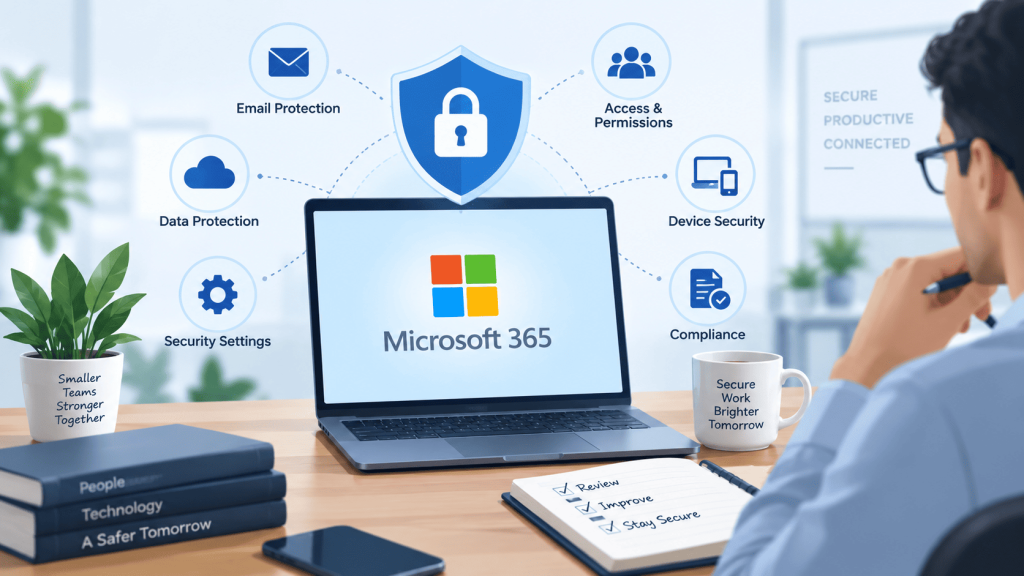
A security review does not need to become a large technical programme. Its purpose is to understand who can access what, whether important settings match the way the organisation works, and who is responsible for acting when something changes. The National Cyber Security Centre makes clear that customers retain responsibility for configuring and using cloud services securely, even when the provider operates the underlying platform.
The following four areas provide a practical starting point. They are not a substitute for an assessment tailored to your organisation, but they can help owners, trustees, managers and internal IT teams ask better questions about their Microsoft 365 environment.
Start with identities, administrators and sign-in protection
Every Microsoft 365 security review should begin with people and accounts. Create an accurate list of active users, administrators, shared mailboxes, guest users and service accounts. Remove access that is no longer required, particularly when employees, contractors or volunteers leave. Dormant accounts can remain unnoticed while still providing a route into email, files or business systems.
Administrator access deserves particular attention because it can change settings, create users and reach sensitive areas of the tenant. Keep the number of administrators proportionate, use separate administrative accounts where appropriate, and avoid granting broad privileges simply for convenience. Multifactor authentication should protect users, with the strongest controls applied to privileged roles.
Then review how risky or unusual sign-ins are detected and handled. Microsoft Entra recommendations and Microsoft Secure Score can highlight relevant improvement actions, but a score is a guide rather than proof that an environment is secure. Each recommendation should be considered against licensing, operational impact, user needs and the organisation’s actual risks.


Review sharing, permissions and information ownership
Microsoft 365 makes collaboration easy, but permissions can accumulate quietly. Teams, SharePoint sites, OneDrive folders and shared links may remain accessible long after the original project has ended. A review should identify where important information lives, who owns each workspace and whether external access is still justified.
Check whether anonymous links are allowed, how long sharing links remain valid and whether guests can share content with other people. Examine the membership of important Teams and SharePoint sites rather than assuming it still reflects current responsibilities. Sensitive material may need more restrictive controls than ordinary working documents, but excessive restriction can also encourage staff to use personal email or unapproved tools.
Ownership is as important as configuration. Every significant workspace should have someone responsible for reviewing membership, approving external access and deciding when information should be archived or removed. Clear naming and lifecycle rules make those reviews easier. The aim is not to stop useful collaboration; it is to make access intentional, understandable and capable of being withdrawn when circumstances change.
Check devices, applications and everyday security controls
A protected Microsoft 365 tenant can still be exposed through an unmanaged device, unsafe application or poorly maintained endpoint. Record which laptops, phones and tablets can access information, who owns them and what minimum standards apply. Standards might cover supported operating systems, screen locks, encryption, updates, malware protection and the ability to remove business data when a device is lost.
Review third-party applications connected to Microsoft 365. Users may approve tools that request access to email, contacts, calendars or files without appreciating the scope of permission. Remove applications that are unused, unknown or unnecessarily powerful, and establish an approval route for future integrations.
Security controls must also work for the people using them. If sign-in processes, file locations or support routes are confusing, staff may create workarounds. Combine technical settings with short, relevant guidance on phishing, unexpected consent prompts and reporting concerns. A secure environment is not defined by configuration alone; it depends on understandable rules, maintained devices and a team that knows what to do when something feels wrong.


Test recovery, monitoring and responsibility
Security planning should assume that mistakes, account compromise and service disruption are possible. Confirm what Microsoft retains, what your organisation backs up separately and how quickly important email, files or settings could be restored. Retention policies, recycle bins and backups serve different purposes, so do not treat them as interchangeable without understanding their limits.
Next, establish which alerts and reports are reviewed, by whom and within what timeframe. A collection of notifications has little value if nobody owns the response. Prioritise signals that relate to privileged accounts, unusual sign-ins, changed forwarding rules, suspicious applications and significant sharing activity. Document how concerns are escalated and who can take urgent action.
Recovery should be tested rather than assumed. Choose representative files, accounts or business processes and walk through what would happen if access were lost. Record dependencies, supplier contacts and decision-makers. This turns security from a list of settings into an operating capability. A good review leaves the organisation with named responsibilities, practical priorities and evidence that essential work can be recovered.
Turn the review into a manageable improvement plan
Do not attempt every possible change at once. Record each finding, its potential effect, the people affected and the effort required. Fix exposed or high-impact issues first, then schedule lower-risk improvements. Assign an owner and review date to every agreed action. This creates a practical plan instead of a long report that nobody uses.
Final thoughts
Microsoft 365 security is not a one-time setup exercise. People join and leave, new applications are connected, sharing expands and Microsoft introduces new controls. A proportionate review should therefore become part of normal technology management rather than an occasional reaction to a problem.
For a small organisation, the strongest starting point is clarity: know which accounts exist, keep administrator access limited, protect sign-ins, review external sharing, manage connected applications and understand how important information would be recovered. Tools such as Secure Score can help organise the work, but they cannot decide what matters most to your organisation or replace accountable ownership.
The result should not be a pursuit of a perfect score. It should be a Microsoft 365 environment that supports useful collaboration while making access, risk and responsibility easier to understand. Review the highest-impact areas regularly, record decisions and adapt the controls as your team, services and information change.
Pollysys— independent AI & managed IT for UK businesses.
Got a question this raised?
Book a consultation