Tenant Setup and Migration
Plan new tenants, consolidation, clean-up or migration of agreed mail, files and collaboration data, with dependencies, testing and cutover responsibilities documented.
Improve how Microsoft 365 supports communication, collaboration and everyday administration through clearer configuration, access, device, licensing and adoption decisions shaped around your organisation.
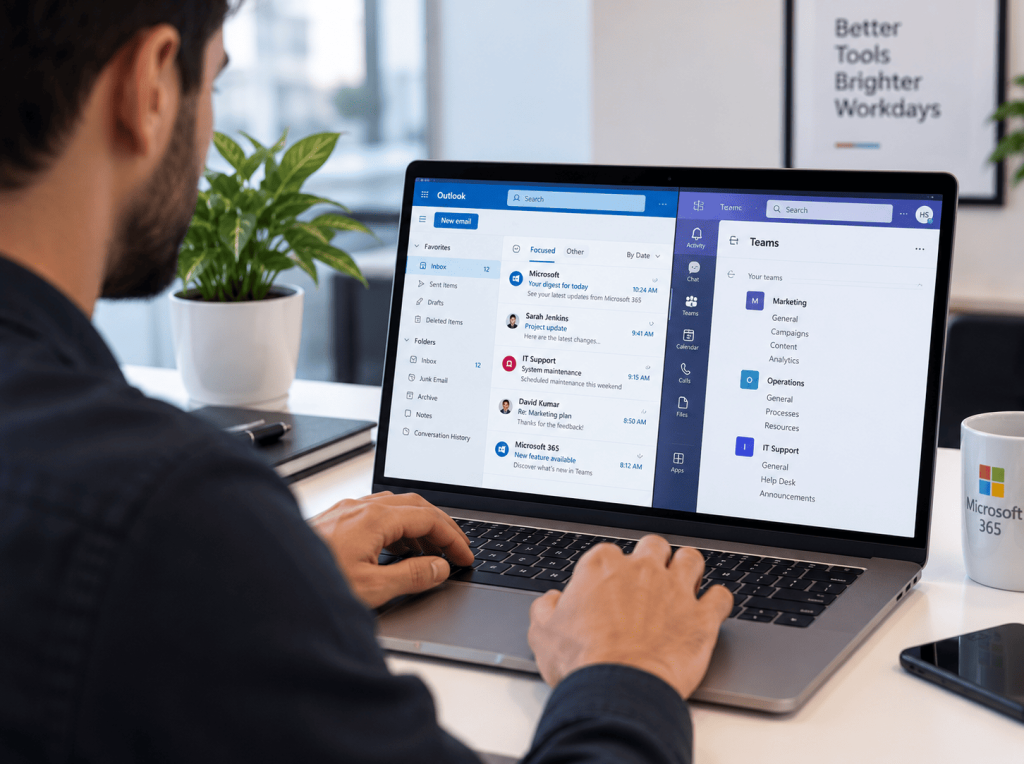
Microsoft 365 brings email, meetings, files, collaboration, identity and device administration into one connected environment. The value does not come from licences alone; it depends on how the platform is structured, governed and used. Pollysys helps organisations review the current tenant, clarify responsibilities and plan improvements that fit how people actually work. This may include licensing, Exchange Online, Teams, SharePoint, OneDrive, Entra ID, Intune or Copilot readiness, depending on the requirement. The aim is to create a more understandable environment with appropriate access, workable collaboration and clearer administration—not to activate every available feature.
WHY POLLYSYS?
Configuration, ownership, user support and ongoing administration should be considered together rather than treated as separate concerns.
IDENTITY AND ACCESS
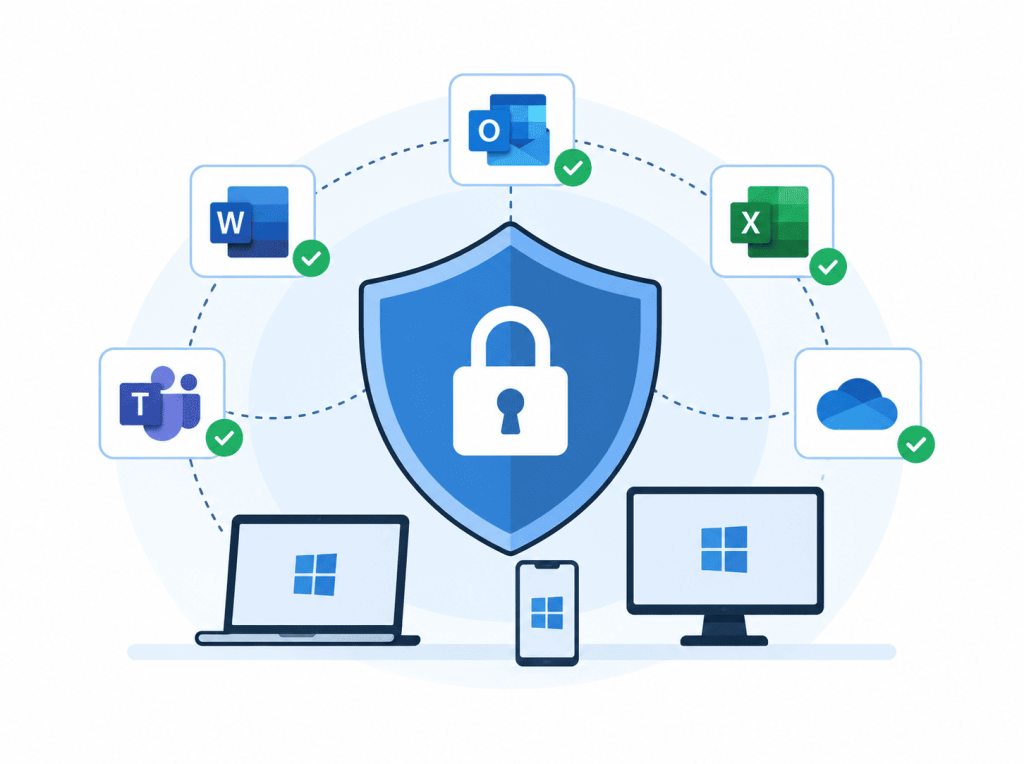
Microsoft 365 controls can support stronger identity, access, email and device practices when configured for the organisation’s needs. Pollysys helps identify priorities, dependencies and responsibilities without presenting one baseline as suitable for every tenant.
COLLABORATION AND ADOPTION
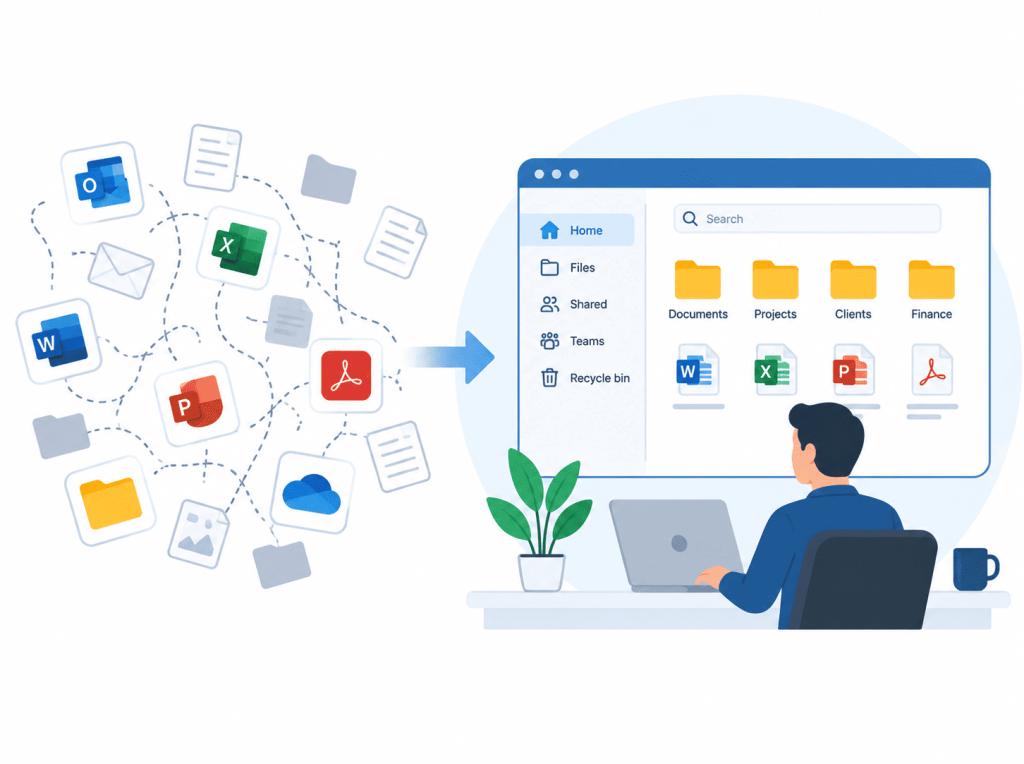
Teams, SharePoint and OneDrive work best when their purpose, structure and permissions are understood. Pollysys can help organise collaboration around genuine working practices and prepare users for the changes being introduced.
OUR APPROACH
Microsoft 365 should be configured around how your organisation communicates, collaborates and protects information—not simply around the licences available. Pollysys reviews user roles, working practices, existing subscriptions and security requirements before recommending changes. Licensing, migration, identity, sharing and administration are considered as connected decisions. Any move is planned around data, access and operational dependencies, while Copilot is introduced only where the organisation has suitable information controls and a defined use case. Ongoing responsibilities are then documented so ownership remains clear.
Licence recommendations should reflect roles, required features and available usage evidence. Pollysys can help identify possible mismatches and explain options, while recognising that contract terms, minimum commitments and future needs may affect the final decision.
POTENTIAL BENEFITS
Defined identity, role and device requirements can help the organisation apply access controls more consistently while keeping exceptions and administrative responsibilities visible.
A considered Teams, SharePoint and OneDrive structure can make information easier to locate, share and govern without creating unnecessary sites, channels or duplication.
Role and usage reviews can help decision-makers understand licence assignments and potential mismatches before changing plans, features or commercial commitments.
Clearer permissions, ownership and information practices provide a stronger basis for considering Copilot, automation and other platform improvements when a suitable need emerges.
WHAT’S INCLUDED
Select the support required for your tenant rather than assuming every organisation needs the entire platform configured or managed in the same way.
Plan new tenants, consolidation, clean-up or migration of agreed mail, files and collaboration data, with dependencies, testing and cutover responsibilities documented.
Configure and administer supported mailboxes, groups, shared calendars and access, alongside appropriate mail-flow and protection settings within the agreed scope.
Organise sites, teams, channels and permissions around working responsibilities, with ownership and information-management expectations made clearer for users and administrators.
Plan enrolment, configuration, application and compliance policies for supported devices where licensing, platform capability and organisational requirements make Intune appropriate.
Configure appropriate Microsoft 365 identity and access controls, with policy decisions connected to user roles, devices, exceptions and assessed security requirements.
Assess use cases, licensing, information access, permissions and user preparation before planning a limited, governed Copilot rollout for suitable roles.
HOW WE WORK
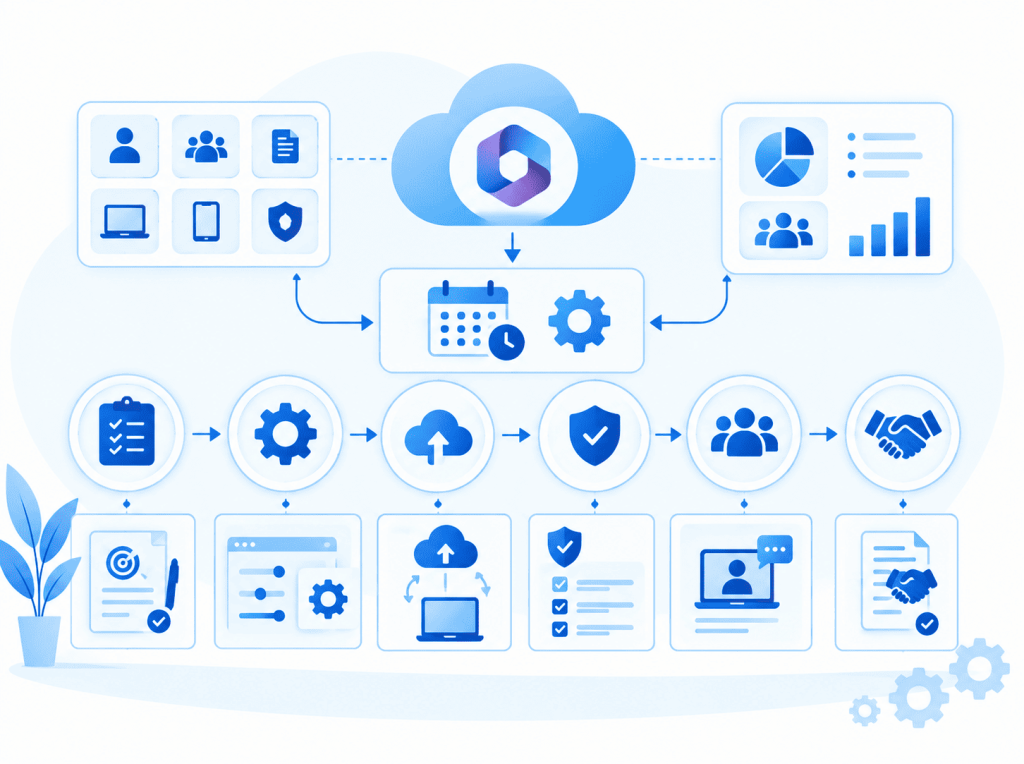
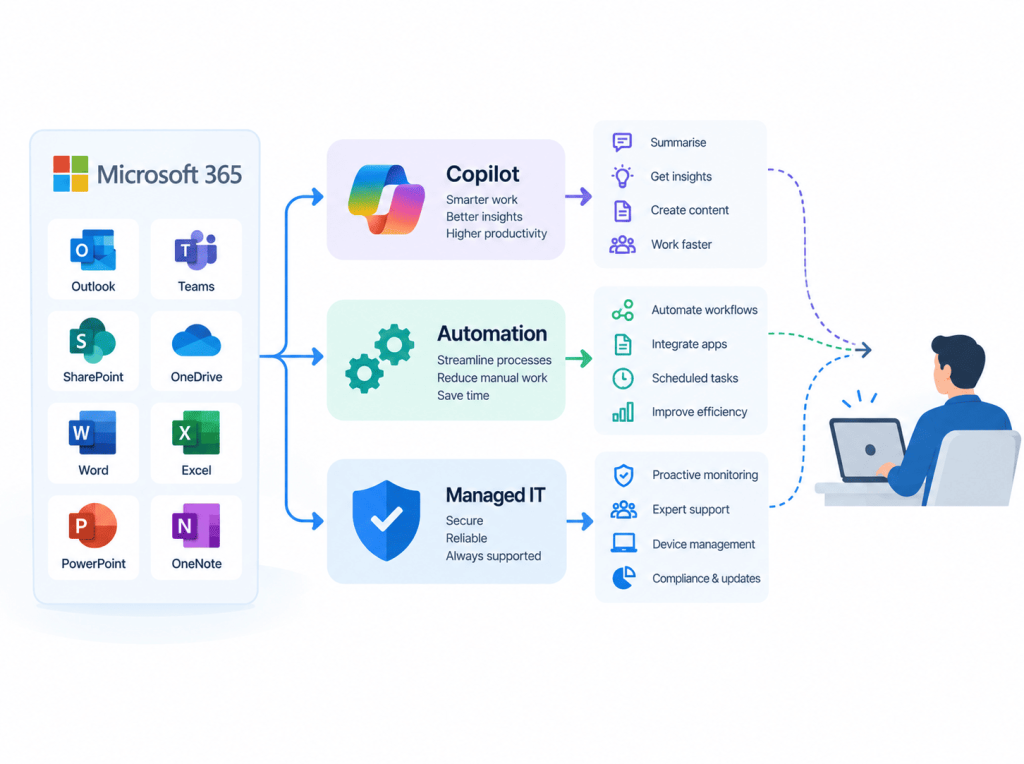
Two views of one structured Microsoft 365 engagement.
Begin with the outcome and the current Microsoft 365 environment. Pollysys reviews the available tenant information, users, licences, collaboration structure, devices and known concerns relevant to the scope. Priorities, responsibilities and dependencies are then documented before changes are planned. Configuration or migration work is introduced in manageable stages with communication, testing and approval points appropriate to the risk. Users and administrators receive relevant guidance rather than generic feature training. The engagement may finish with a documented handover or continue into agreed administration and review, depending on what the organisation needs.
WHO WE SUPPORT
The right configuration depends on where people work, how information moves and which responsibilities your organisation wants to manage internally.
Support distributed access, devices, meetings and collaboration through clearer Microsoft 365 responsibilities and working practices across different locations.
Improve how files, sites, permissions and ownership are organised when documents have become difficult to locate, share or govern consistently.
Prepare a move from another platform or legacy environment by mapping identities, mail, files, calendars, permissions, integrations and user needs.
Create a proportionate Microsoft 365 environment without assuming a smaller organisation needs every available licence, feature or administrative layer.
Support client-facing teams that rely on email, meetings, document collaboration and controlled access, with configurations aligned to professional responsibilities.
Examine whether Copilot has suitable use cases, licensing and information foundations before planning adoption for selected people or roles.
CONNECTED TECHNOLOGY SERVICES
Microsoft 365 may sit within a wider managed technology, cybersecurity, cloud or AI requirement. Pollysys can separately support these areas while keeping each recommendation and service clearly scoped. Copilot and automation should follow a suitable use case, appropriate permissions and an agreed approach to oversight.
Pollysys can plan Microsoft 365 migrations from Google Workspace where the required access, source data and destination design can be established. The scope should define mail, calendars, contacts, files, permissions, unsupported items, testing and cutover. Migration timing, completeness and disruption depend on the source environment, data condition, tooling and decisions made during planning.
A baseline may address identity, multi-factor authentication, administrator roles, access policies, mail protection, sharing, devices and information controls. The appropriate settings depend on licensing, working practices, risks and exceptions. Pollysys can help configure agreed controls, but no baseline guarantees security or automatically establishes legal or regulatory compliance.
That depends on the work people perform, available use cases, licence cost, information access, permissions and willingness to change established habits. A readiness review can identify where Copilot may be useful and what should be improved first. The answer may be a limited trial, selected licences or no immediate rollout.
Pollysys can discuss Intune planning and management for supported devices where the required Microsoft licensing, operating systems and administrative access are available. The service scope should define enrolment, configuration, compliance policies, applications, monitoring, exceptions and responsibilities.
Yes, where a clear co-managed model is agreed. Internal teams may retain local support, strategic control or selected administration while Pollysys handles defined platform activities. The arrangement should document ownership, privileged access, change approval, support routes and escalation so work is not duplicated, delayed or left without a responsible owner.
START WITH CLARITY
Discuss your tenant, migration, collaboration concerns, device requirements or Copilot plans. Pollysys can help identify the most useful starting point without assuming that every feature, licence or service needs to change.